Community hub
Find Your Favorite Pokemon
Save partners locally, follow live fan rankings, compare stats, and draft a six-slot team — built for collectors, not generic dex browsing.
My Favorite Pokemon
0
Favorite Pokemon Team
0/6
Most Favorite Pokemon Rankings
Live rankings
Dex coverage
1350
2176 items indexed
Fast links
Quick access to key features
Jump into hub tools and dex resources across the app
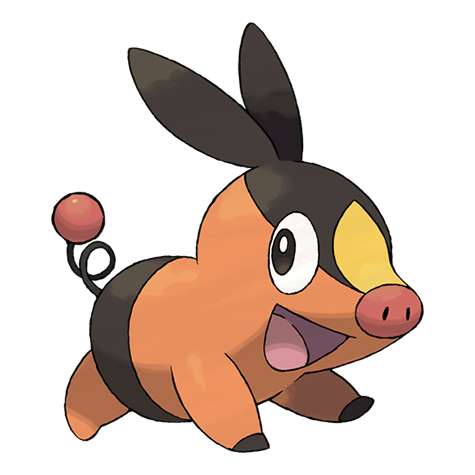
Community pick of the day
Tepig
Today's featured entry rotates automatically. Use it as a quick jumping-off point when you want a fresh partner to compare or save into your team.
Spotlight mode
Daily rotation
Best for
Quick exploration
Next step
Open profile
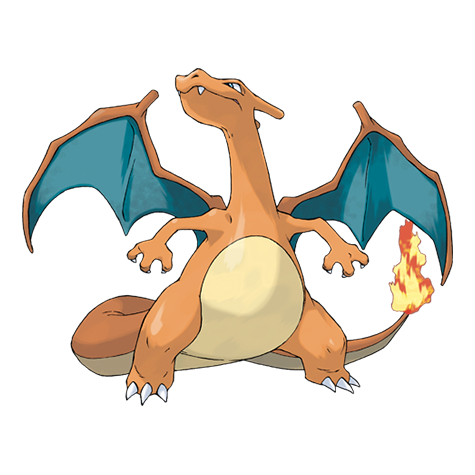
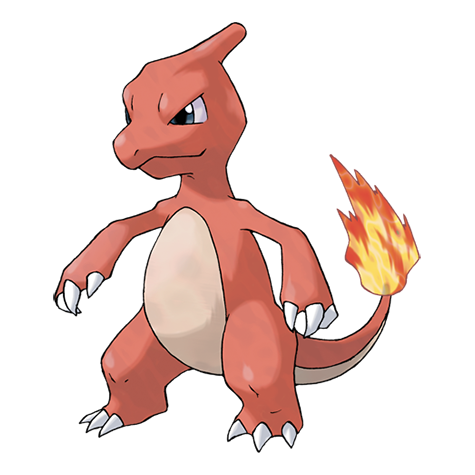
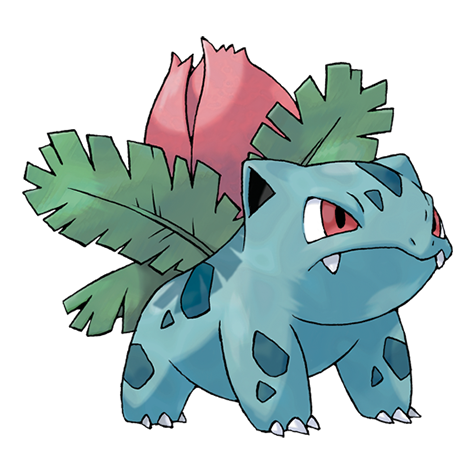
Recently viewed
Jump back to recent profiles
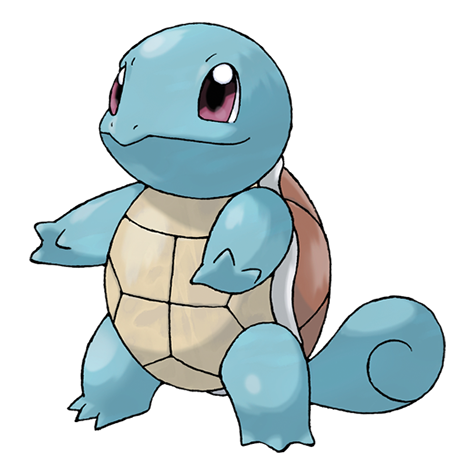
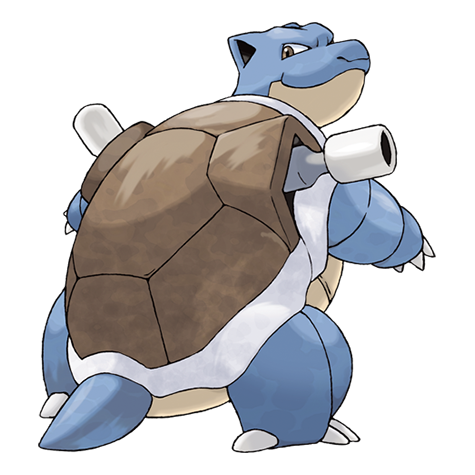
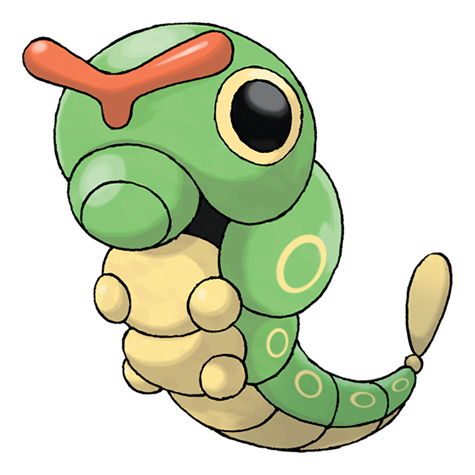

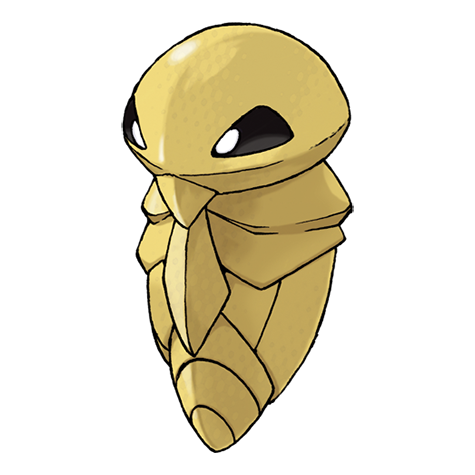
Collection snapshot
Keep local progress visible
Favorites saved
0
My Favorite Pokemon
Recent profiles tracked
8
Favorite Pokemon Team
0/6
Favorite Pokemon Team
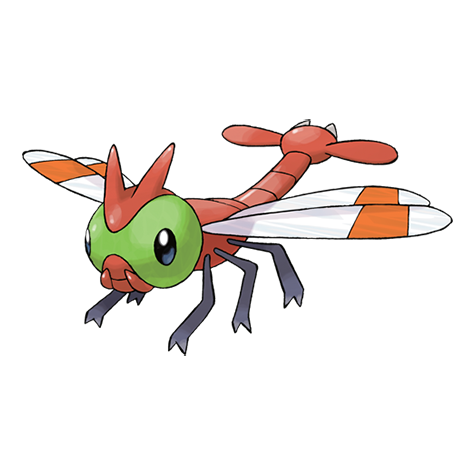
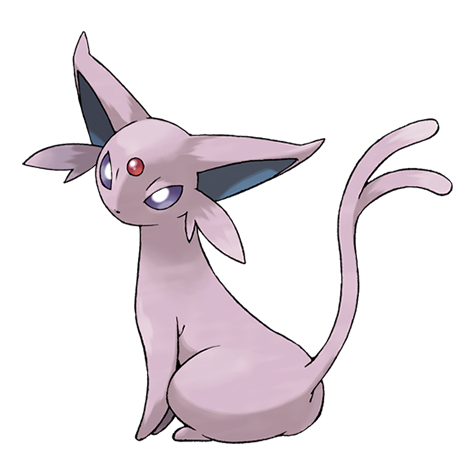
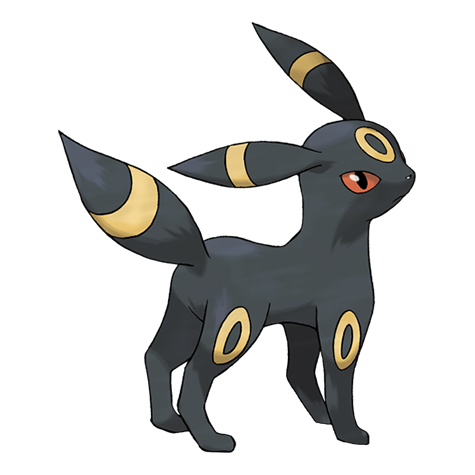
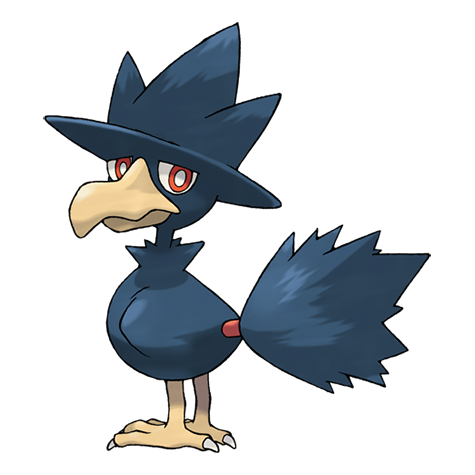
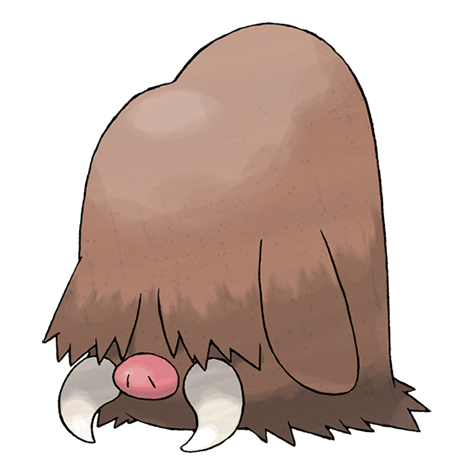
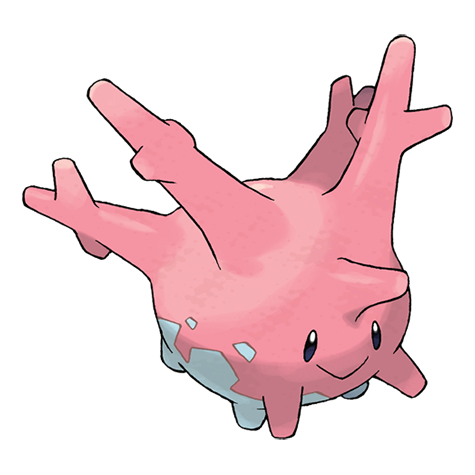
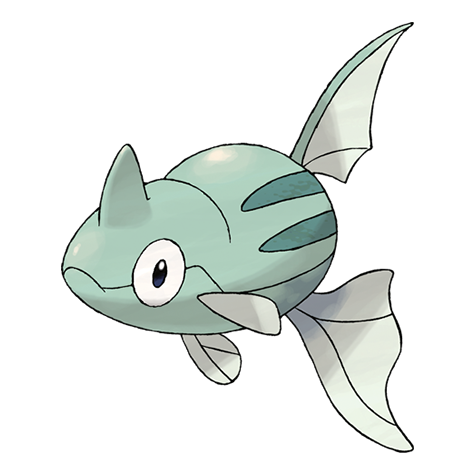
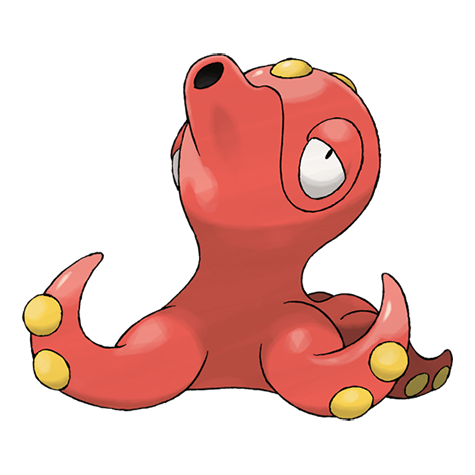
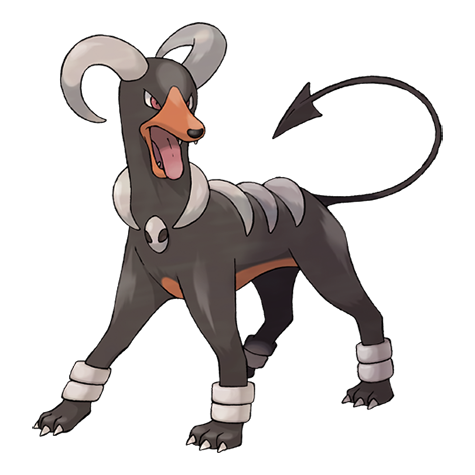
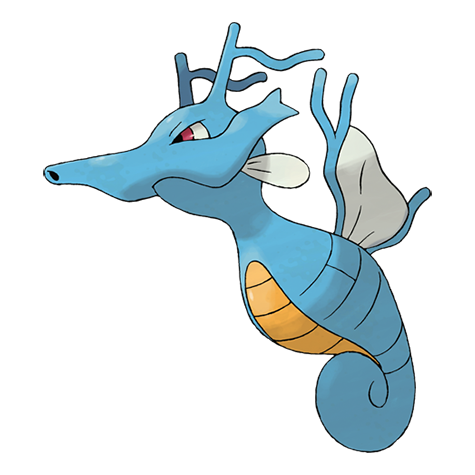
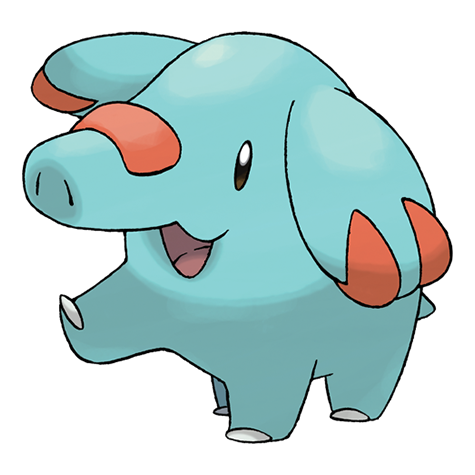
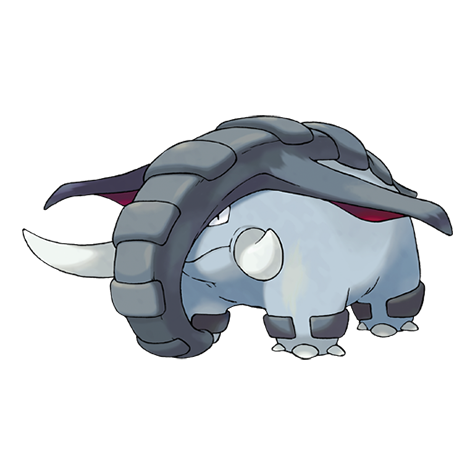
Favorite pokemon index
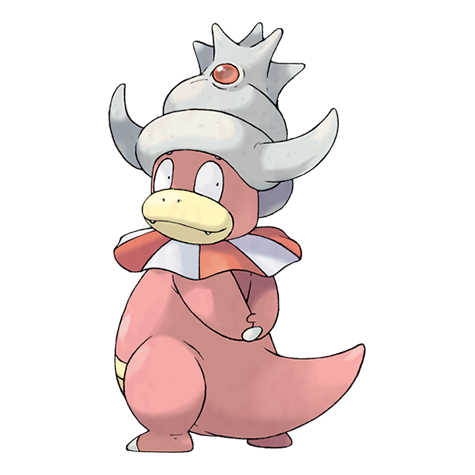
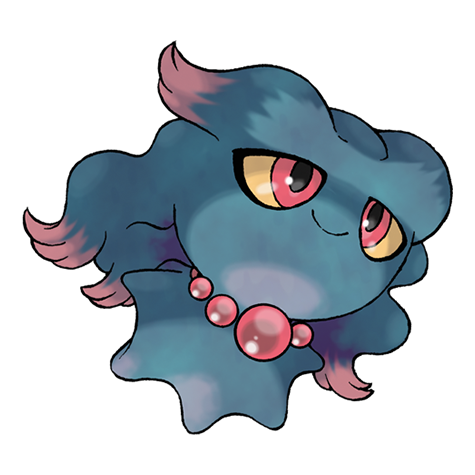
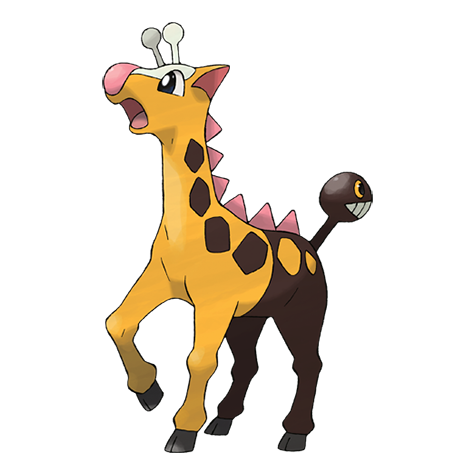
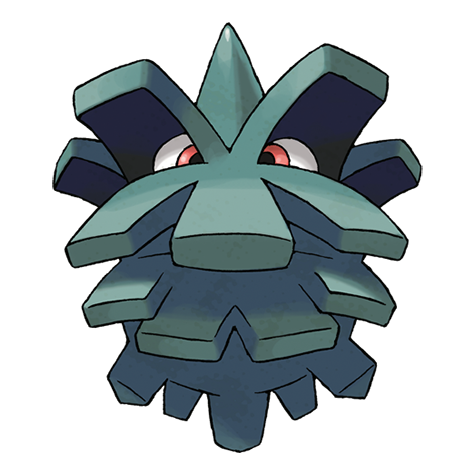
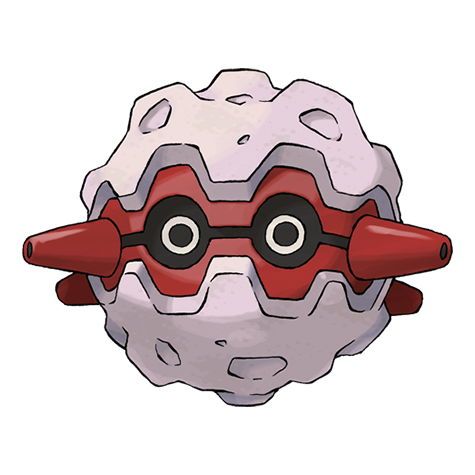
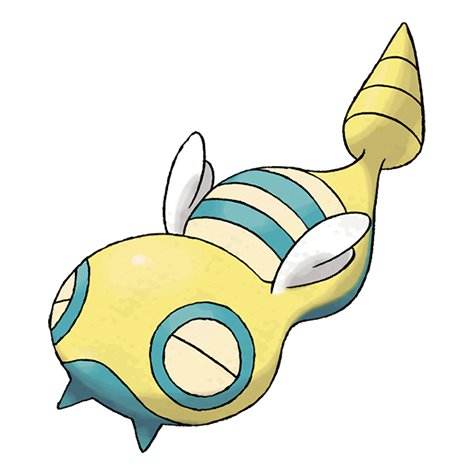
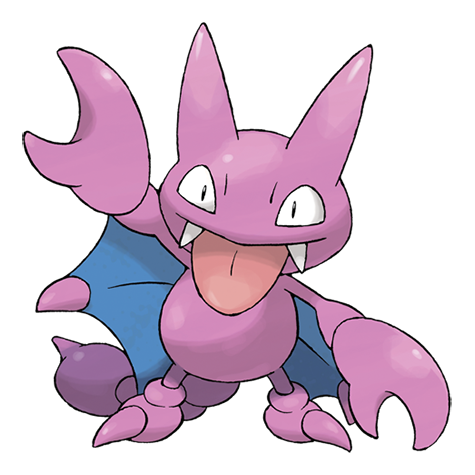
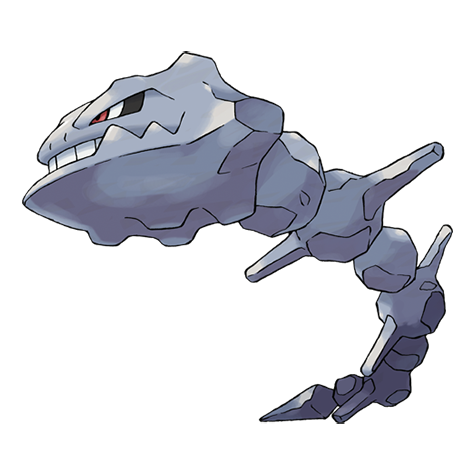
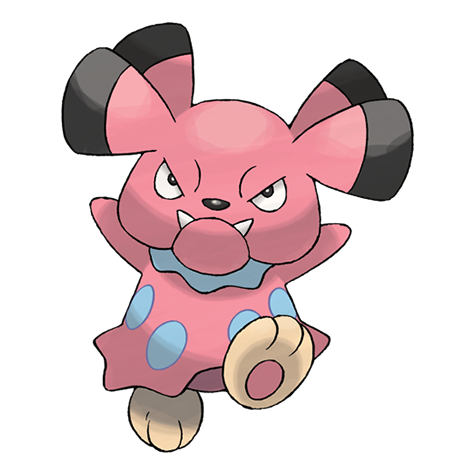
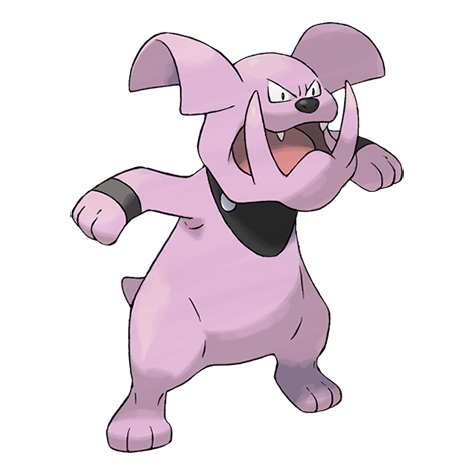
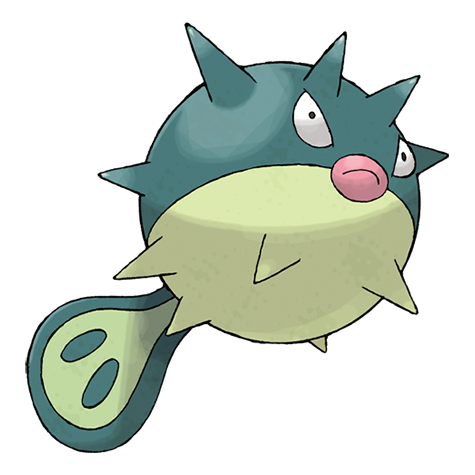
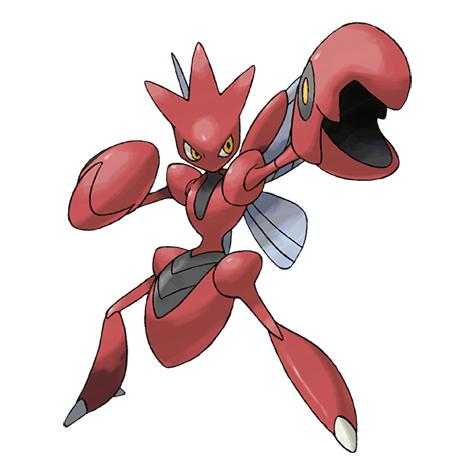
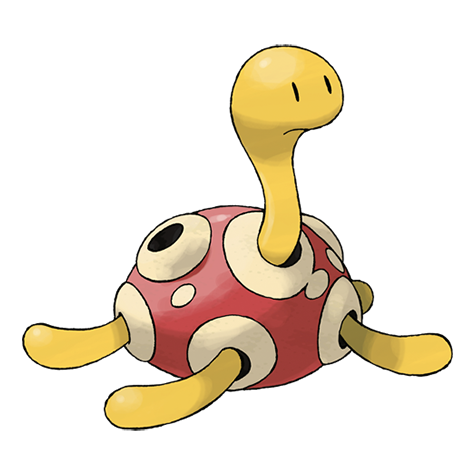
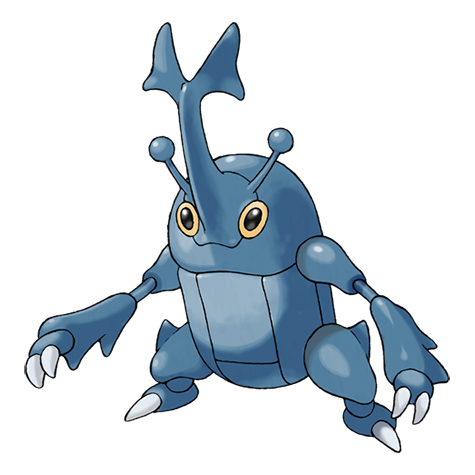
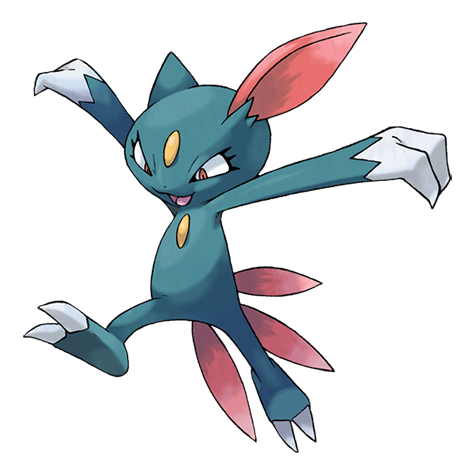
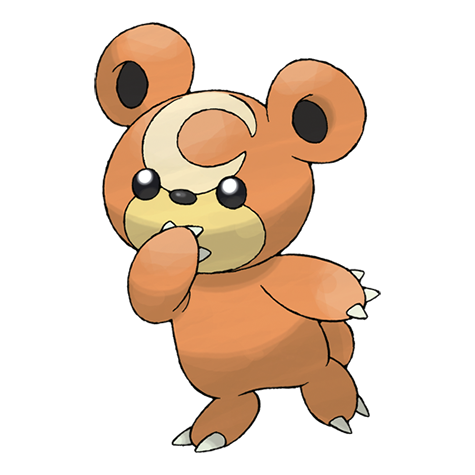
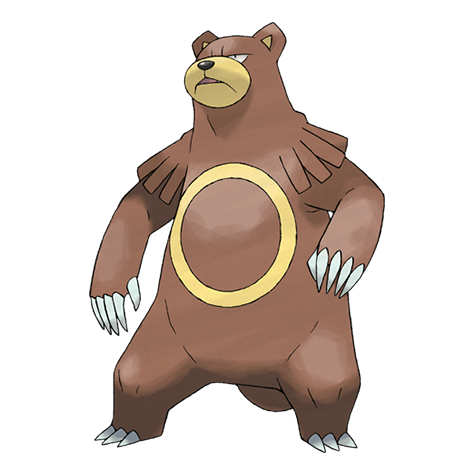
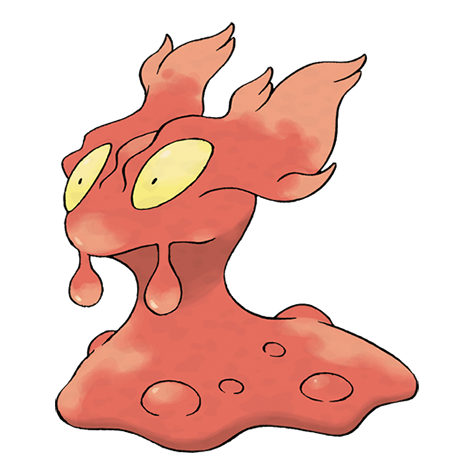
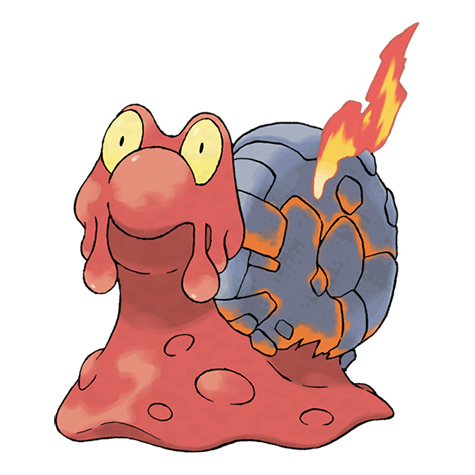
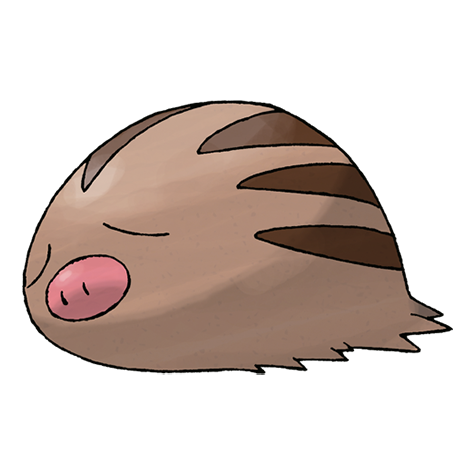
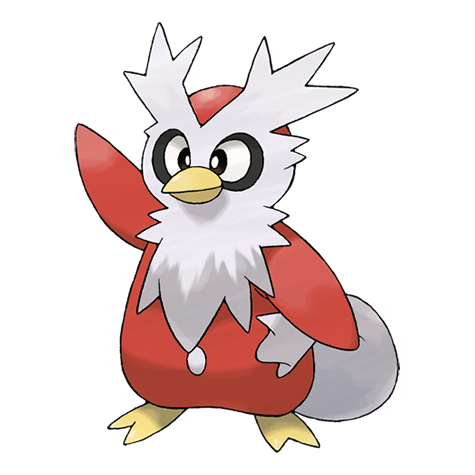
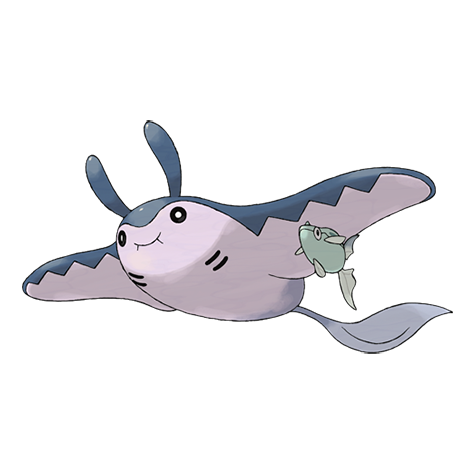
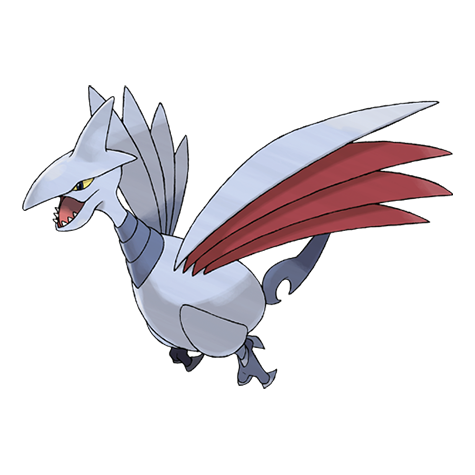
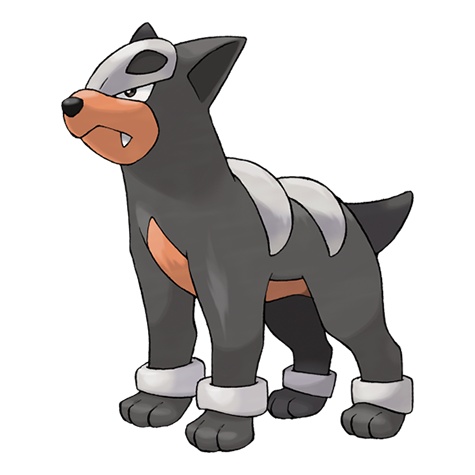
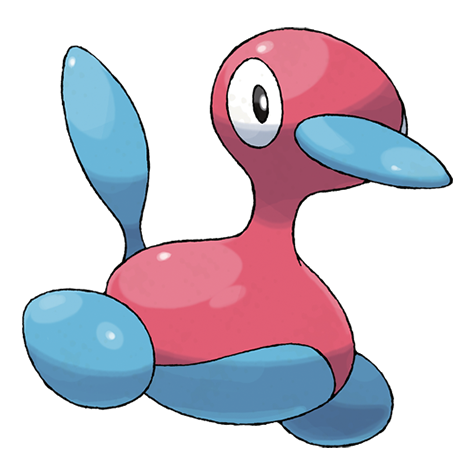
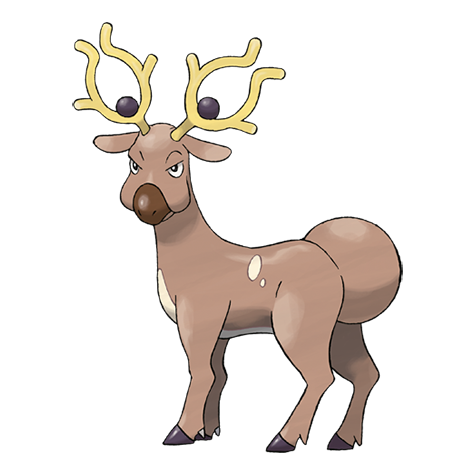
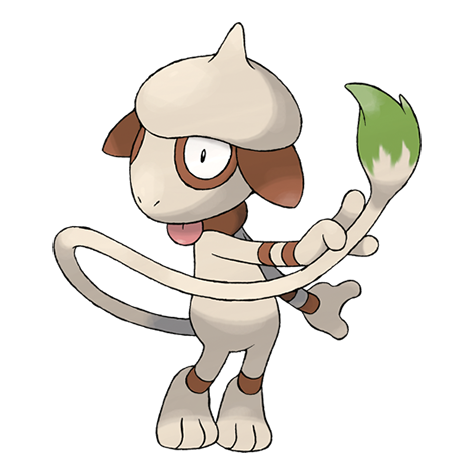
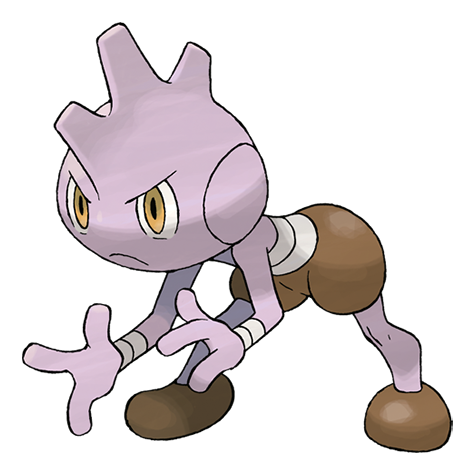
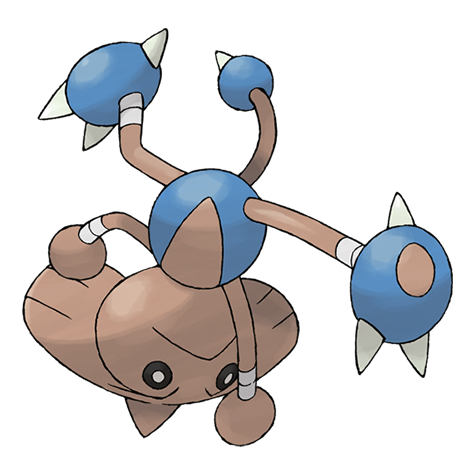
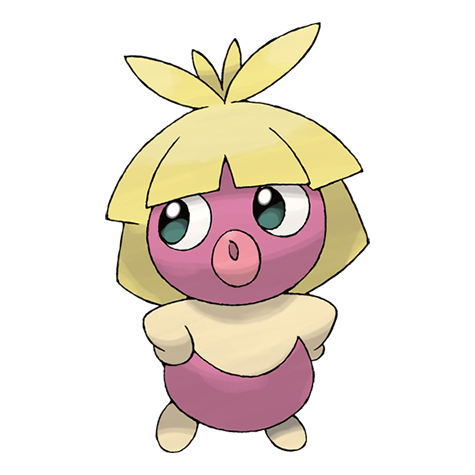
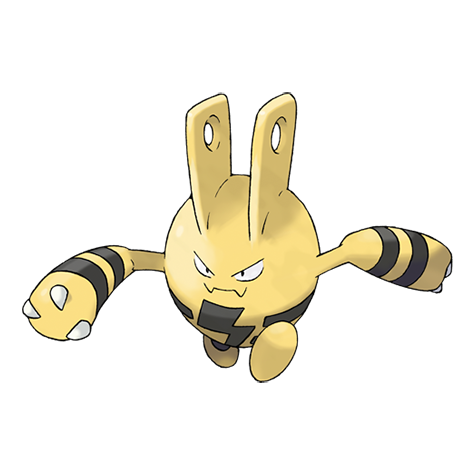
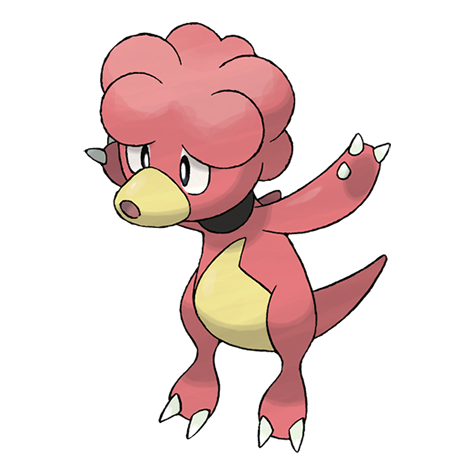
Search and save favorite pokemon




Item vault
Browse held items and gear
Stable Mulch
No image
Gooey Mulch
No image
Root Fossil
No image
Claw Fossil
No image
Helix Fossil
No image
Dome Fossil
No image
Old Amber
No image
Armor Fossil
No image
Skull Fossil
No image
Rare Bone
No image
Shiny Stone
No image
Dusk Stone
No image
Dawn Stone
No image
Oval Stone
No image
Odd Keystone
No image
Adamant Orb
No image
Lustrous Orb
No image
Grass Mail
No image
Flame Mail
No image
Bubble Mail
No image
Bloom Mail
No image
Tunnel Mail
No image
Steel Mail
No image
Heart Mail
No image
Snow Mail
No image
Space Mail
No image
Air Mail
No image
Mosaic Mail
No image
Brick Mail
No image
Cheri Berry
No image
Chesto Berry
No image
Pecha Berry
No image
Rawst Berry
No image
Aspear Berry
No image
Leppa Berry
No image
Oran Berry
No image
Persim Berry
No image
Lum Berry
No image
Sitrus Berry
No image
Figy Berry
No image
Wiki Berry
No image
Mago Berry
No image
Aguav Berry
No image
Iapapa Berry
No image
Razz Berry
No image
Bluk Berry
No image
Nanab Berry
No image
Wepear Berry
No image
Explore the full hub
Jump from search into rankings, collection, compare, and team tools.
Guide
Your complete favorite pokemon hub
The sections below cover search, saves, rankings, and team building — all tied to live dex data on this site.
Section 1
Your Favorite Pokemon Hub in One Place
Whether you are returning to a childhood partner or hunting a new battle ace, this favorite pokemon hub keeps dex search, stats, and saves in one tab. The point is to finish research here instead of bouncing between scattered wikis.
Every profile links typings, moves, abilities, and evolution data from a live dex. Heart a partner for local saves, send two candidates through stat compare, or slot picks into a six-member squad without creating an account.
Who This Favorite Pokemon Site Serves
Collectors shortlist designs they love. Competitive players cross-check base stats before breeding. Teachers browse artwork and types when introducing younger fans to their first favorite pokemon.
Want popularity context? Community rankings show which species fans save most. Prefer discovery over charts? Type filters and daily spotlights surface partners you might otherwise skip.
Section 2
How to Use This Favorite Pokemon Database
Start with search when you know a name. Scroll the index when you want browsing rhythm. Open a profile for flavor text, stat bars, and learnsets, then decide whether that species belongs on your favorite pokemon shortlist.
Recent history keeps the last profiles you viewed one click away. Saved favorites and team slots persist in your browser, so returning visits resume where you left off even without sign-up friction.
Save Your Favorite Pokemon Locally
Tap the heart on any profile to add entries to your saved collection. Counts on this favorite pokemon hub reflect how many slots you have filled, which helps track progress toward type diversity or living dex goals.
Optional sync can mirror saves for leaderboard math while keeping management local-first. Remove a partner when taste changes so your list stays honest rather than frozen.
Compare Stats Before You Commit
When two designs feel equally appealing, open stat compare from profile buttons. Side-by-side totals reveal whether speed, bulk, or typing should break the tie before you invest in a favorite pokemon partner.
Section 3
Favorite Pokemon Tools Beyond the Dex
Rankings aggregate heart saves into a live board of community picks. Discover pages group partners by elemental identity when you want a fire, water, ghost, or other themed squad tied to favorite pokemon taste.
The team builder sums offense, defense, and speed across six local slots so you can spot coverage gaps early. Moves, abilities, items, generation indexes, Pokemon egg groups, Pokemon locations, and Regional pokedex hubs sit beside the main dex for deeper favorite pokemon research sessions.
Community Rankings for Favorite Pokemon Fans
Visit live rankings to see which partners fans save most often. Movement on the chart usually traces game launches, anime moments, or tournament wins rather than paid placement.
Compare the board with your collection to learn whether you follow mainstream favorite pokemon taste or champion underdogs. Neither outcome is wrong; the data starts conversations about design, nostalgia, and performance.
Browse Favorite Pokemon by Type
Type discovery helps when you feel drawn to elemental themes but cannot name a partner yet. Shuffle controls jump between typings, and matchup notes reinforce lessons from the type encyclopedia.
Use browse by type when you want themed teams or shortlists constrained to one element before expanding to dual-type candidates.
Build a Favorite Pokemon Team
Sketch six slots in the team builder before grinding levels. Aggregate stat summaries highlight whether your draft lacks speed, special attack, or defensive anchors.
Link builder slots back to profiles when you need move or ability reminders. Share screenshots with friends when co-planning favorite pokemon drafts for co-op play or friendly tournaments.
Section 4
Guides for Choosing a Favorite Pokemon
Not sure where to begin? Read our how to choose favorite pokemon guide for frameworks that balance story, stats, and design taste. Beginners can start with the beginners guide for types and stats vocabulary.
Articles on stats, team building, and rankings complement the favorite pokemon tools above when you want structured advice instead of open-ended browsing. Each guide links back to live utilities on this site so theory becomes practice quickly.
Pick a Favorite Pokemon With Confidence
Review one type or generation per session when shortlisting candidates instead of cramming the full roster. Note why each pick resonates so future you remembers the story behind every partner.
Use the random picker when you want a typed surprise, then heart the result in your saved collection.
Revisit choices after major patches or new region releases. A favorite pokemon lineup can evolve as mechanics shift and as personal nostalgia deepens over years of play.
Mobile and Desktop Favorite Pokemon Browsing
Layouts adapt to small screens so search, favorites, and compare stay reachable without pinch-zoom frustration. Progress saves locally, which suits quick sessions on the bus or longer planning at home.
Install the site to your home screen when your browser offers a shortcut, then treat this favorite pokemon hub like a lightweight companion app while you play through the latest region release.
Section 5
Start Exploring Your Favorite Pokemon Today
Search the dex above, heart a partner, and open rankings to see how your favorite pokemon taste compares with the community. This hub stays free to browse and works on desktop or mobile browsers.
Bookmark profiles you debate often, build a shortlist in saved collection, and return whenever a new generation adds partners worth meeting. Your next favorite pokemon might be one click away in the index or spotlight carousel.
FAQ
Common questions
What is this favorite pokemon hub?
This site combines a searchable dex, local collection saves, stat compare, team builder, and live rankings in one place. Browse partners, read stats, and plan teams without jumping between separate wikis.
Do I need an account to save partners?
No account is required. Tap the heart on any profile to add partners to saved collection in your browser. Favorites and team slots stay on your device until you clear site data.
How does stat compare work here?
Open stat compare and pick two partners, or use compare buttons on profile pages to pre-fill the tool. The view stacks base stats, typings, abilities, and size side by side so you can break ties before committing to a roster slot.
Where do live rankings come from?
Rankings aggregate heart saves from fan collections. Each distinct save increments a partner total on the rankings board, which refreshes as fans add or remove entries over time.
Can I browse partners by type?
Yes. Use browse by type to filter by elemental themes, read matchup notes, and shuffle between typings when you know the vibe you want but not the partner name yet.
How do I find my next favorite pokemon?
Search the dex index above, browse by type, or follow the daily spotlight when you want a fresh partner to compare or save.
Is this favorite pokemon site free on mobile?
The hub is free to browse on desktop and mobile browsers. Layouts adapt to small screens, and you can add a home-screen shortcut when your browser offers one for quick access while you play.