Personal favorite wall
My Favorite Pokemon
You haven't saved any partners to your my favorite pokemon wall yet. Heart a species on any profile to start.
Start your my favorite pokemon wall with one heart. Each save can feed community rankings when sync is on.
Browse the dexMy favorite pokemon inspiration from the board
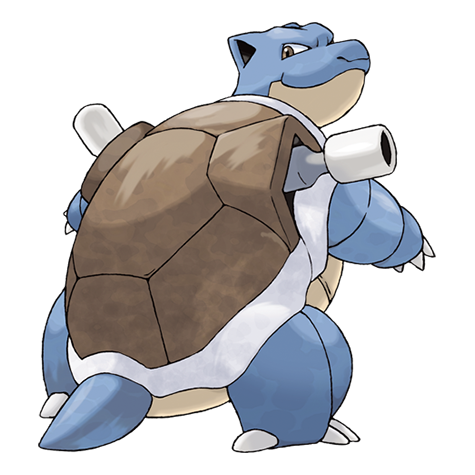
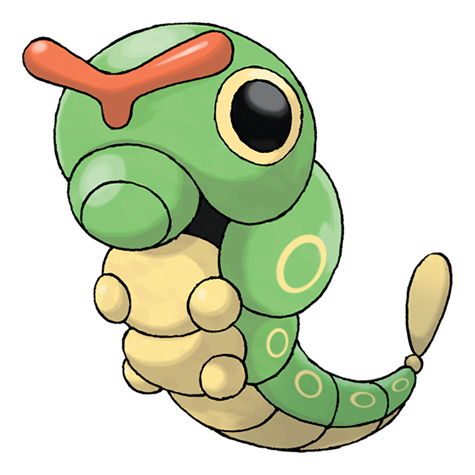
Real fan saves from live rankings — heart any partner to add it to your my favorite pokemon wall.
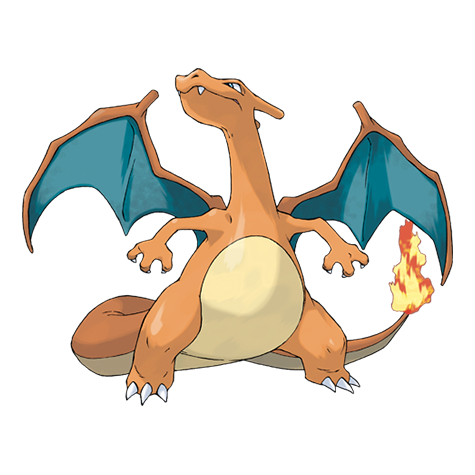
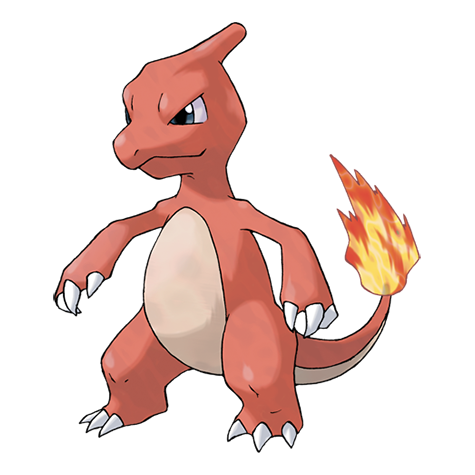
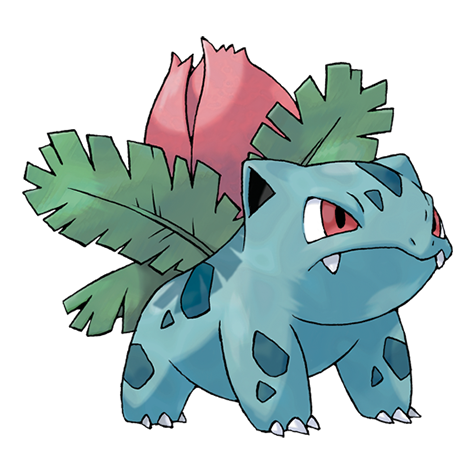
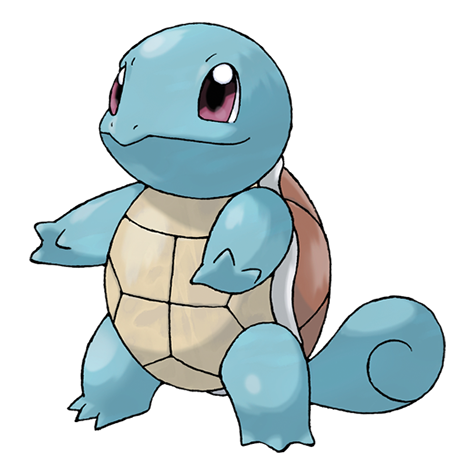
Grow your my favorite pokemon list
Read the partner picking guide, check live rankings, or draft a six-slot squad from your hearts.
Section 1
Why a My Favorite Pokemon Wall Beats Bookmarks
Browser bookmarks rot. A my favorite pokemon wall keeps art, typings, and community rank beside every hearted name — ready when you return days later.
No account required. My favorite pokemon entries live in local storage on your device until you clear site data or switch browser profiles.
The wall pairs with profiles, stat tools, and the live board so research and personal taste stay in one tab.
My Favorite Pokemon vs Public Rankings
Community rankings show what everyone saves. My favorite pokemon lists show what you save — overlap is optional, not mandatory.
Heart a niche partner even when they sit at rank ninety. Your wall is the private shortlist; the board is the public vote.
Section 2
How This My Favorite Pokemon Collection Works
Tap the heart on any species profile to add it here. My favorite pokemon cards load typings and artwork from the live dex as soon as you open the wall.
Each card links to the full profile, opens a stat diff against a rival, or drops the entry with one click when taste changes.
Share copies a comma-separated list to your clipboard — handy for squad chats, forum posts, or notes apps.
Saving Partners to My Favorite Pokemon
Hearts work from profile pages and from spotlight strips across the site. My favorite pokemon totals on your device update instantly; community rankings update when sync is enabled.
Start with three to five names instead of filling every type slot on day one. A tight my favorite pokemon wall is easier to prune than a bulk list clicked once.
Removing Entries From My Favorite Pokemon
Toggle the heart off on a profile or use the unheart action on a card. Dropping stale picks keeps my favorite pokemon lists honest and prevents outdated votes from skewing the public board.
Section 3
Reading Community Rank on My Favorite Pokemon Cards
When a saved species ranks on the live board, a community badge shows its position beside the heart. My favorite pokemon picks with high fan totals are not automatically better — just more popular.
Cross-check leaders on live rankings when you wonder how your wall compares to global saves. Low-rank partners still belong on a personal list.
Open browse by element when you want to fill gaps in a themed my favorite pokemon shortlist without scanning the full dex.
My Favorite Pokemon and the Spotlight Strip
Empty wall? The trending strip below shows real fan saves from the board — heart any silhouette that clicks and it lands in my favorite pokemon storage immediately.
Spotlight rows refresh from the same API as rankings, so inspiration stays current after game launches or meme cycles.
Section 4
Building Themed My Favorite Pokemon Shortlists
Monotype runs, living dex goals, and art commissions often start as named lists. My favorite pokemon walls supply the roster; team builder supplies the six-slot layout.
Run stat compare on two finalists before you commit rare candy or tutor moves in-game. My favorite pokemon research plus side-by-side numbers beats guessing.
Read the partner picking guide when you want a framework, then return here to heart the names that survive your filters.
Section 5
My Favorite Pokemon — Quick Start
Browse the dex, heart a partner, and open this wall to see art and board rank in one grid.
Prune often, share when proud, and check rankings when you want context. My favorite pokemon browsing here works because the list is yours — not because a tier list chose it for you.
FAQ
My favorite pokemon — questions
Where is my favorite pokemon collection stored?
My favorite pokemon entries save locally in your browser. They persist across visits on the same device until you clear site data or use a different browser profile.
Does my favorite pokemon collection affect rankings?
Heart saves can feed community rankings when sync is enabled. Your my favorite pokemon list stays editable — add or drop entries anytime.
How do I remove a species from my favorite pokemon list?
Toggle the heart off on a profile or use the unheart action on a collection card. Pruning stale picks keeps my favorite pokemon walls accurate and votes honest.
Can I compare species from my favorite pokemon wall?
Yes. Open stat diff from any card or send finalists through pokemon compare before you invest rare items in-game.
How do I start a my favorite pokemon collection?
Heart any profile while browsing the dex. Open this wall to review art and community rank, then prune until the my favorite pokemon list matches your taste.